
AI that does the job your way, every time
A process is your how-to written as steps AI follows in order. Build it once; anyone you share it with can run it.
Build your first process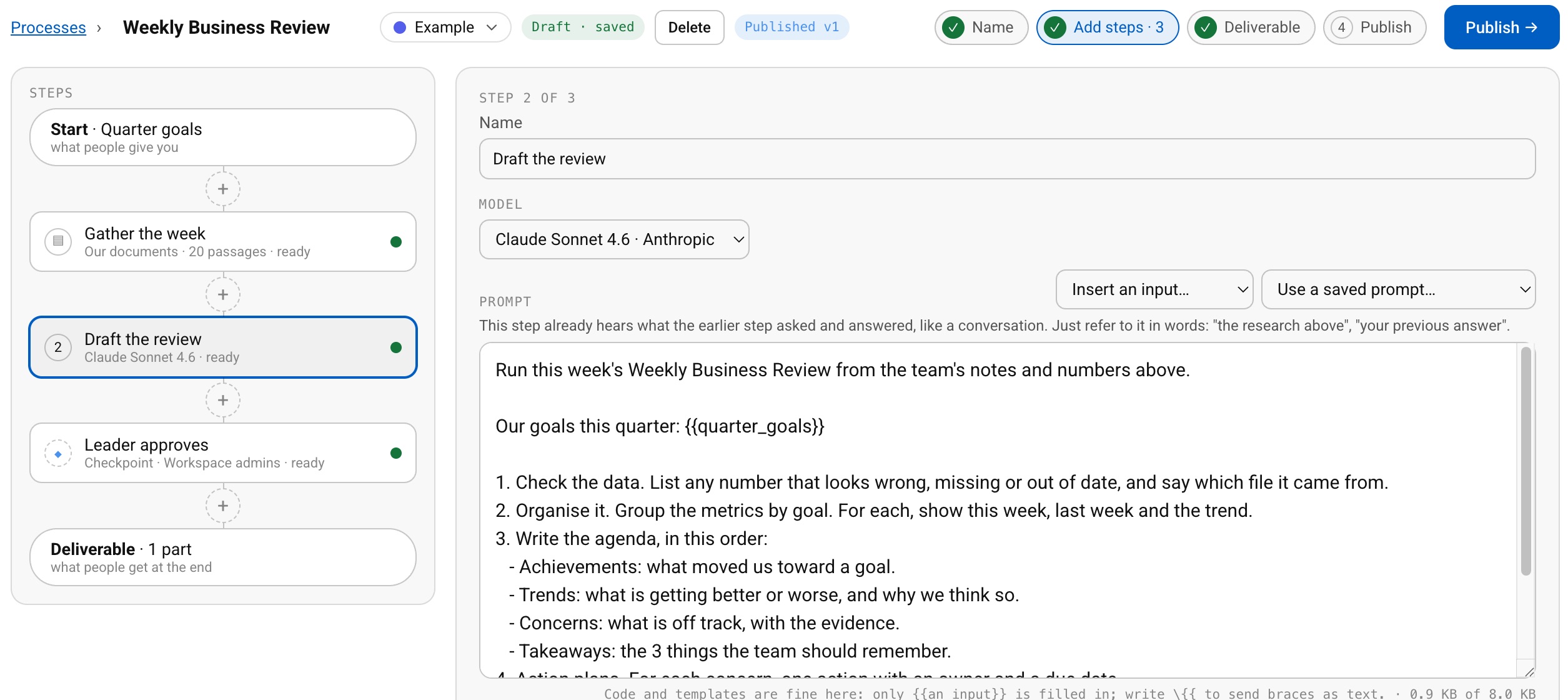
- Since 2017
- Learned by 400,000+ people
- Built by the founder who launched Prime Video’s first version
What Processes do for you
Write what each step should do in your own words, or start a step from one of your saved prompts.
Your PDFs, Word documents, spreadsheets and images.
A look-up step pulls the most relevant passages from your team’s files and names its sources. It costs nothing.
Add a person’s review after any AI step, with a deadline you set.
Pause until the right time, at no cost.
Drafts save themselves and stay private to you and your editors until you publish. Every publish is a numbered version.
How it works
- 1Name the inputs
- 2Write the steps
- 3Publish and share
Questions people ask
Can people run my process without seeing my instructions?
Yes. They see the step names and models, never the instructions.
Can I build a process outside HowDo?
Yes. Draft it as a JSON file (with Claude, for example) and import it into a new process.
What happens if two people edit at once?
The later save is stopped with a reload prompt, so nothing is lost.
How big can a process be?
Up to 40 steps and 20 inputs, with up to 5 files a step. Text and file inputs can be optional. A wait can last up to a year.