
Schedules
Run your process on a schedule
Every day, every week, every few hours, or once, in your time zone.
Schedule a process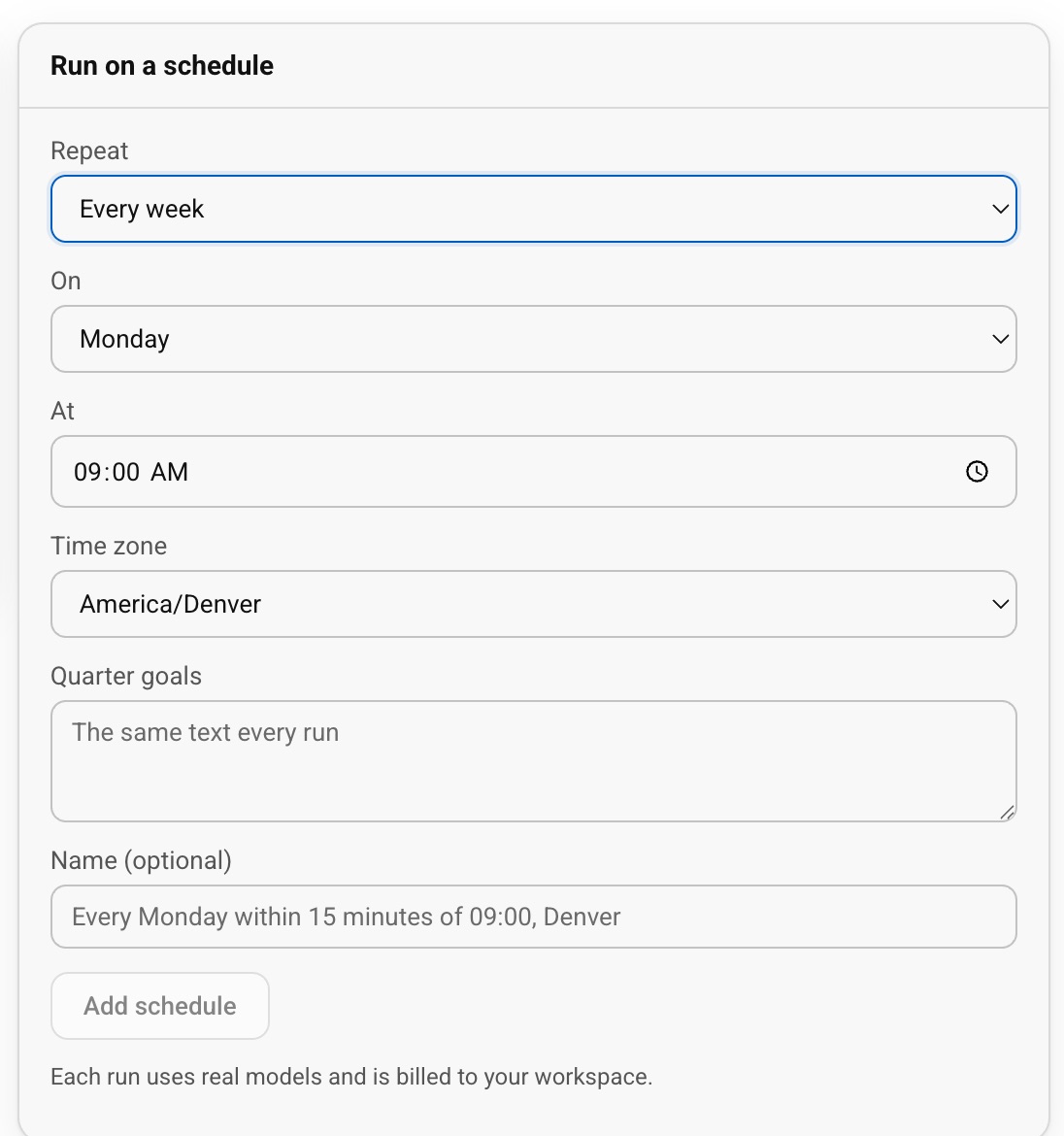
- Since 2017
- Learned by 400,000+ people
- Built by the founder who launched Prime Video’s first version
For your businessRecurring work happens on time, without chasing.
For youThe Monday report isn’t your Monday any more.
What Schedules do for you
Saved inputs
Each schedule keeps its own inputs and name, up to 10 per process.
On time, and retried for you
Runs start on time, and a start that fails is retried for you.
Pause anytime
Pause, resume or remove a schedule in one click.
How it works
- 1Publish your process
- 2Pick when it runs
- 3Save the inputs
Questions people ask
Can a process that asks for a file run on a schedule?
Yes, when the file is optional. The scheduled run goes ahead without it.
Where do I see the results?
Under the process’s runs, marked as started by the schedule.
How on time is it?
A one-off run starts on time; a repeating one starts within 15 minutes of its time. A start that fails is retried 5 times within the hour.